
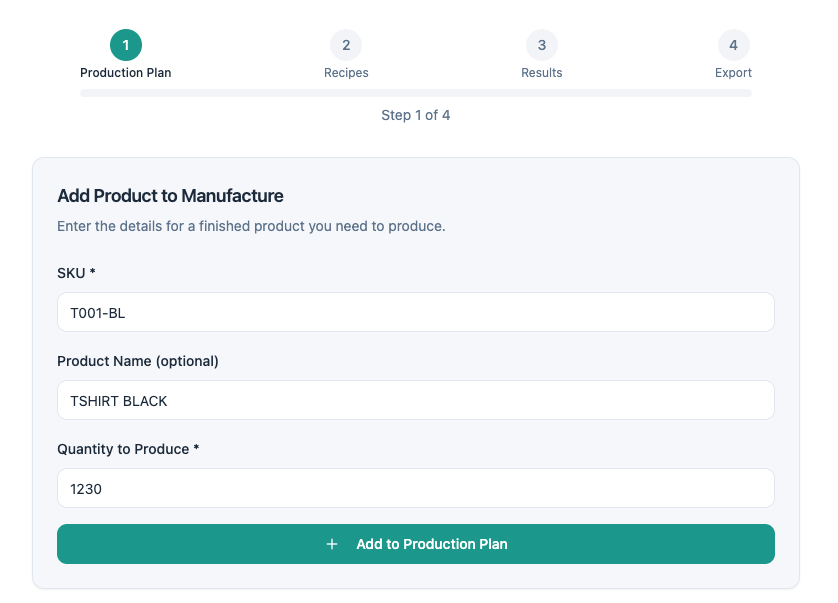
Start by uploading a CSV or Excel file with your production plan — SKUs, product names, and quantities to produce. Don't have a file? Enter your products manually.
The tool includes smart column mapping that auto-detects your data and lets you remap if needed.


Import your recipes from a file or create them manually. Each recipe defines which raw materials are needed and in what quantity per unit. Link recipes to your products individually — or mark items as "Direct Materials" if they're raw requirements on their own.
Do you know exactly how much raw material each product requires?
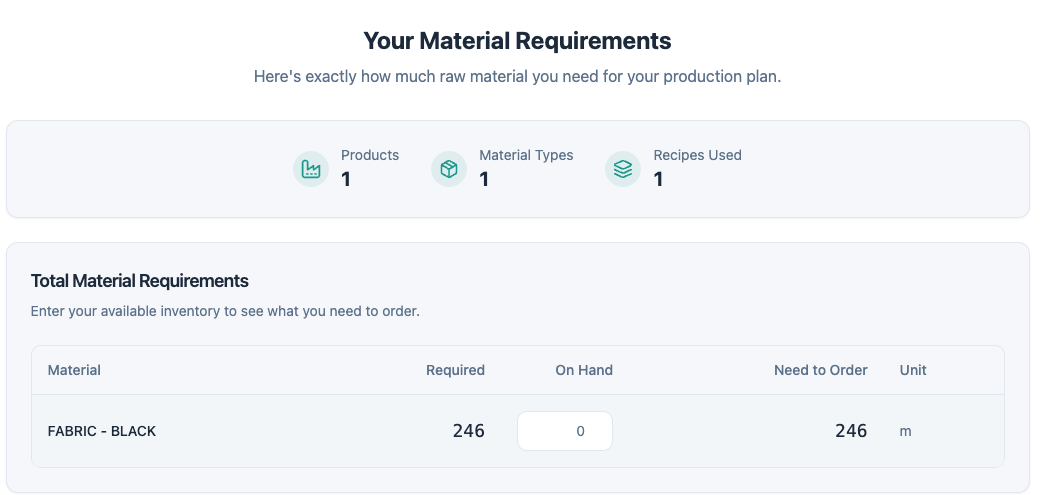
The calculator aggregates all your recipes against your production plan and shows a clear requirements table — Material, Required, On Hand, Need to Order, and Unit. Enter your current inventory levels to see the net quantity. Expand the product breakdown to see which finished goods drive each material requirement.
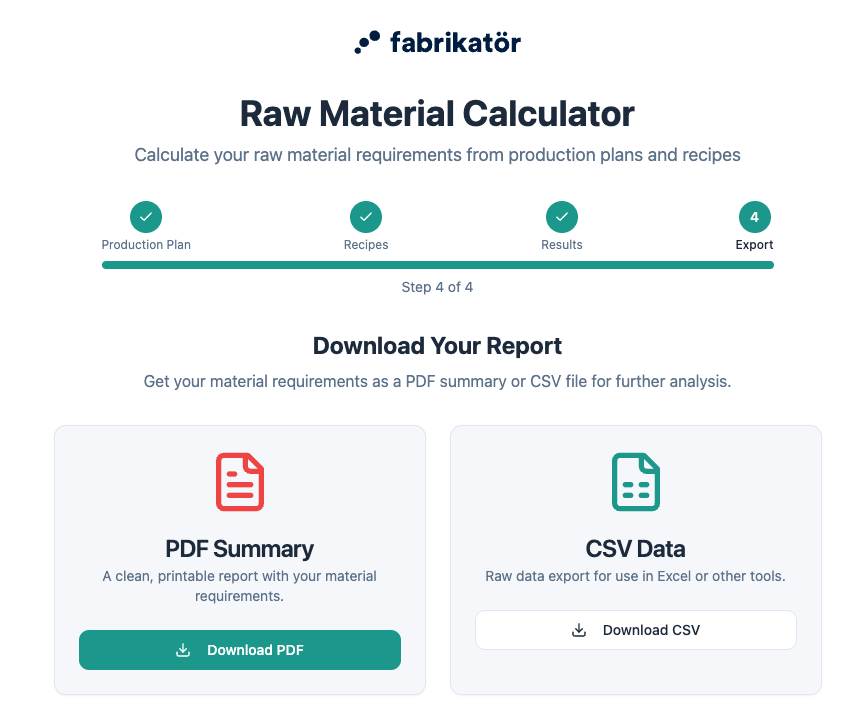
Export your material requirements as a PDF summary or CSV data file. Share it with your production team, send it to suppliers, or use it for procurement planning. You can also export your recipe definitions as CSV to reuse them next time.