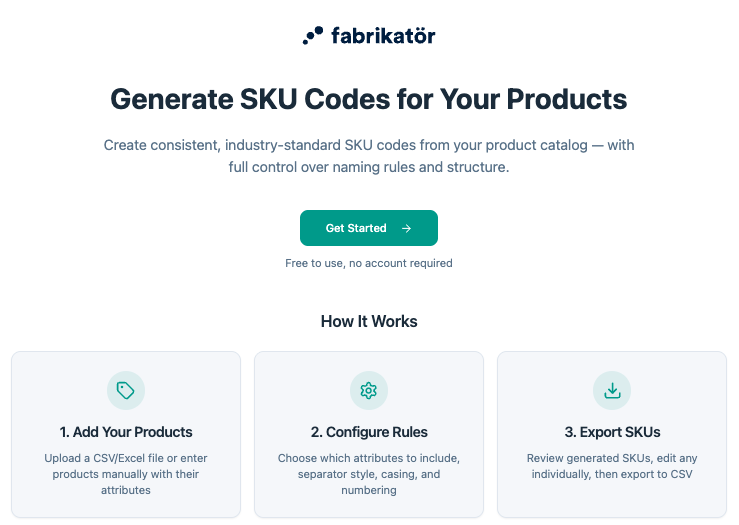
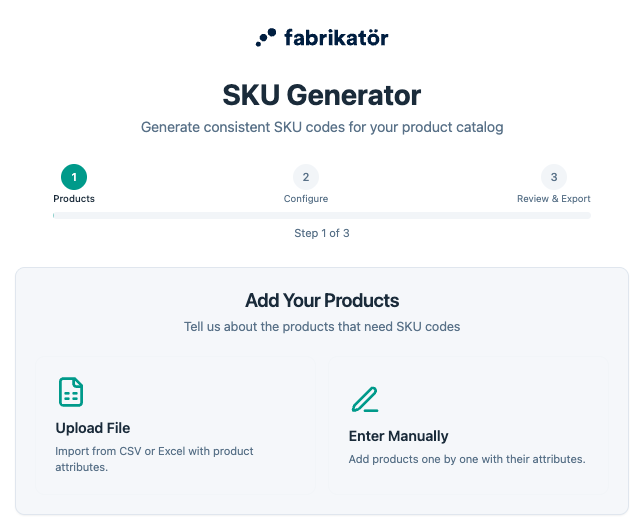
Start by telling the tool which products need SKU codes. Drag and drop a CSV or XLSX file with your product list — names, variants, attributes, anything you have. Don't have a file? Add products one by one with their attributes directly in the tool.
Smart column mapping auto-detects your data and lets you remap it to match the attributes you'll use in your SKU structure.


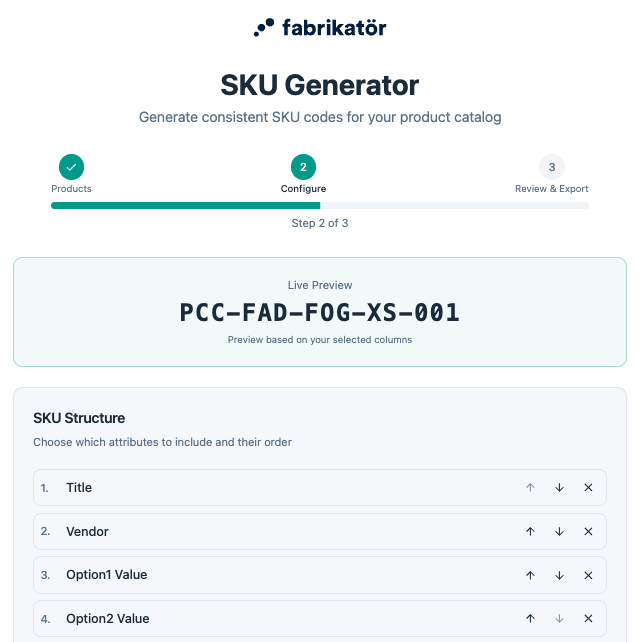
Once your products are in, define the structure of your SKU — choose which attributes to include (category, brand, color, size, season, etc.), the order they appear in, separators, and character limits. Build a logic that's easy to read for humans and easy to filter for systems.
The tool gives you a live preview so you can see exactly how your SKUs will look before generating a single code.
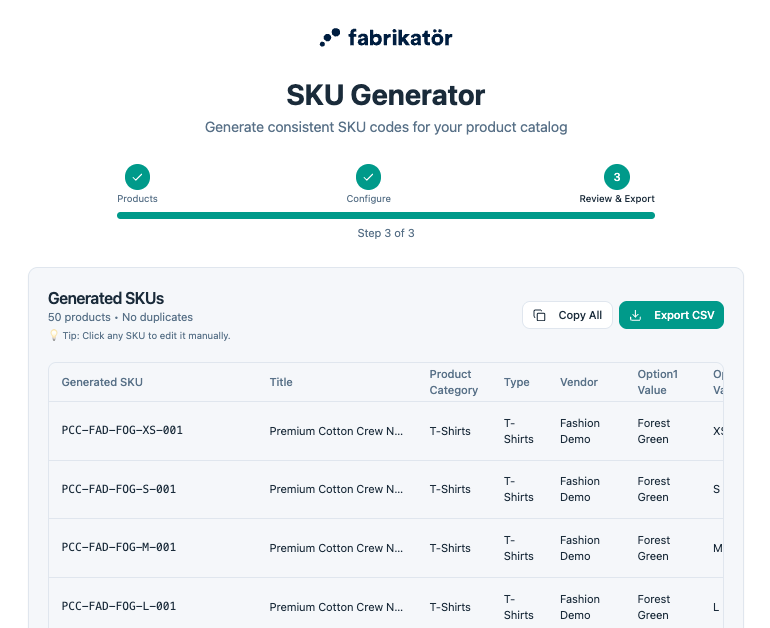
The generator applies your rules across the entire catalog and shows a clear preview table — Product, Variant, Attributes, and Generated SKU. Catch duplicates, spot inconsistencies, and edit individual codes inline before exporting.
When you're happy with the result, export your SKUs as a CSV file ready to import into Shopify, your ERP, your warehouse system, or your supplier sheets.